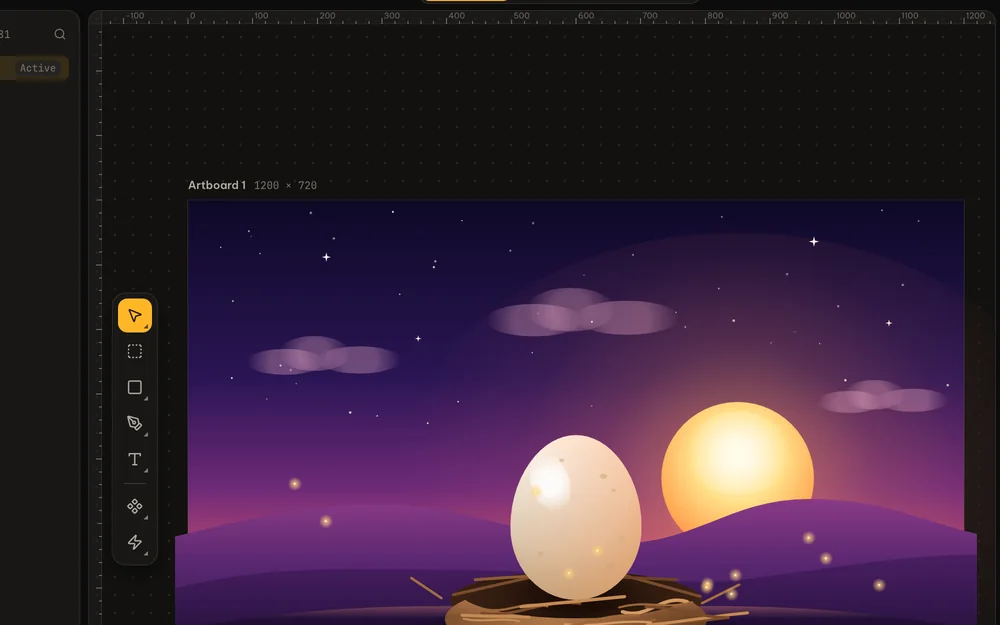
Design
Pen, shapes, booleans, text, gradients, shadows and glows. Frames with auto layout, components you reuse, smart guides as you drag.
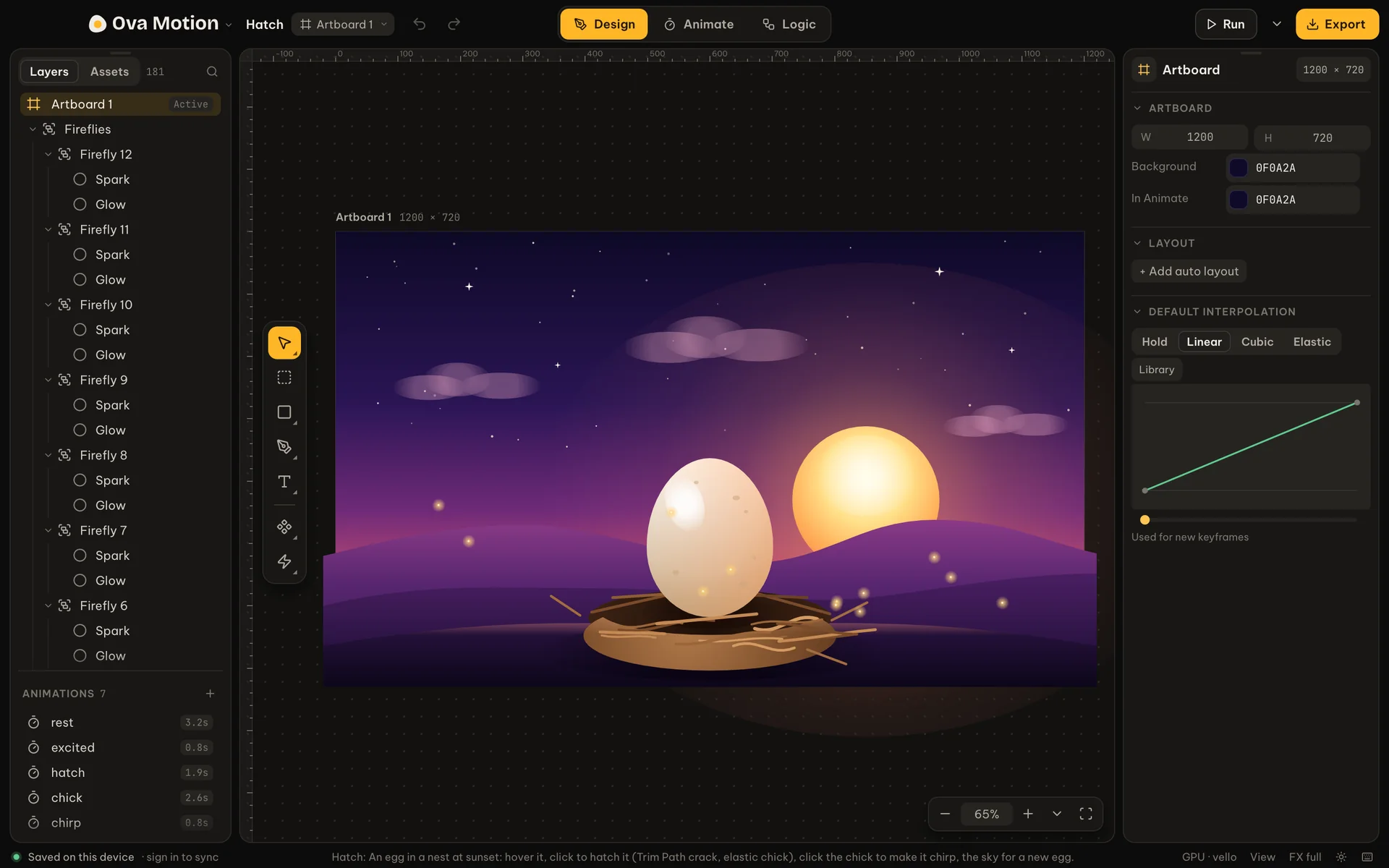
Ova Motion is one place to design vector art, animate it on a timeline and wire it to a state machine, then ship a single small file that plays in websites, apps and games.
Runs in your browser. Desktop app for macOS, Windows and Linux. Works offline.
Switch at the top of the window or with 1 2 3. Nothing is exported between them: a change in Design is already in your animations and logic.
Pen, shapes, booleans, text, gradients, shadows and glows. Frames with auto layout, components you reuse, smart guides as you drag.
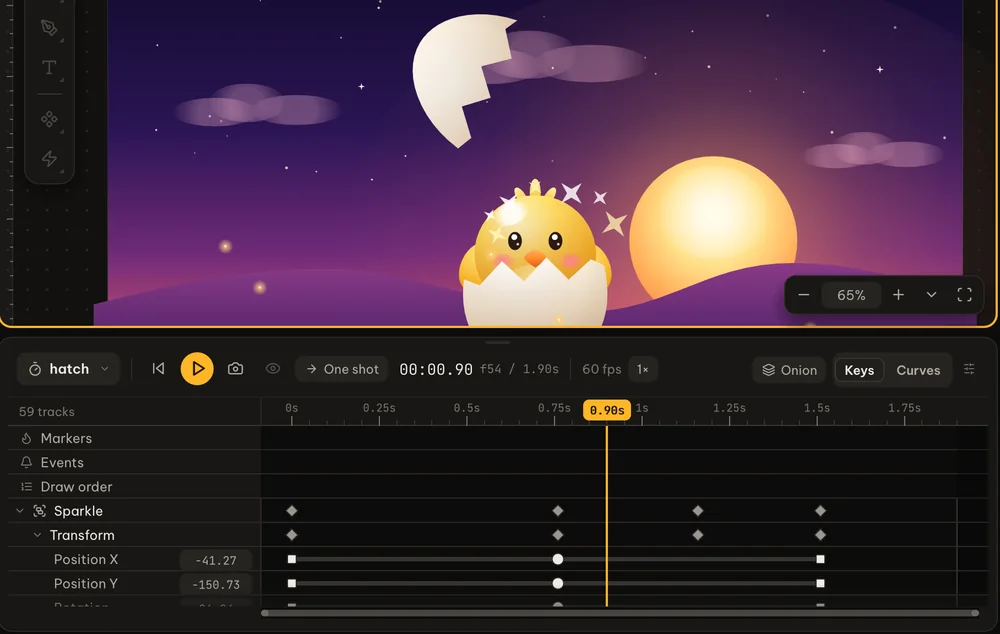
Key any property on a timeline. Ease with curves, elastic and bounce, trim paths, rig with bones and bend pictures with meshes.
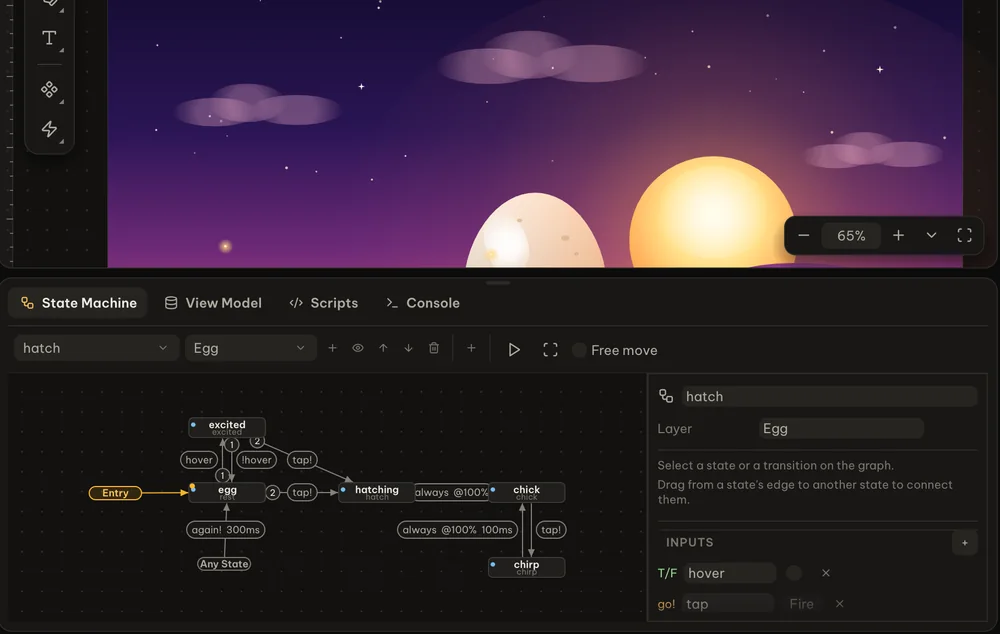
State machines with inputs, layers and pointer listeners make it react to hovers, clicks and your app's data.
Rig characters, skin them to a skeleton, solve limbs with IK and bend pictures with a mesh.
Bind text, colors, numbers and lists to data your app sets while it runs.
Rows, columns and grids that resize with the screen they play on.
Write Luau for the behavior a state machine cannot express on its own.
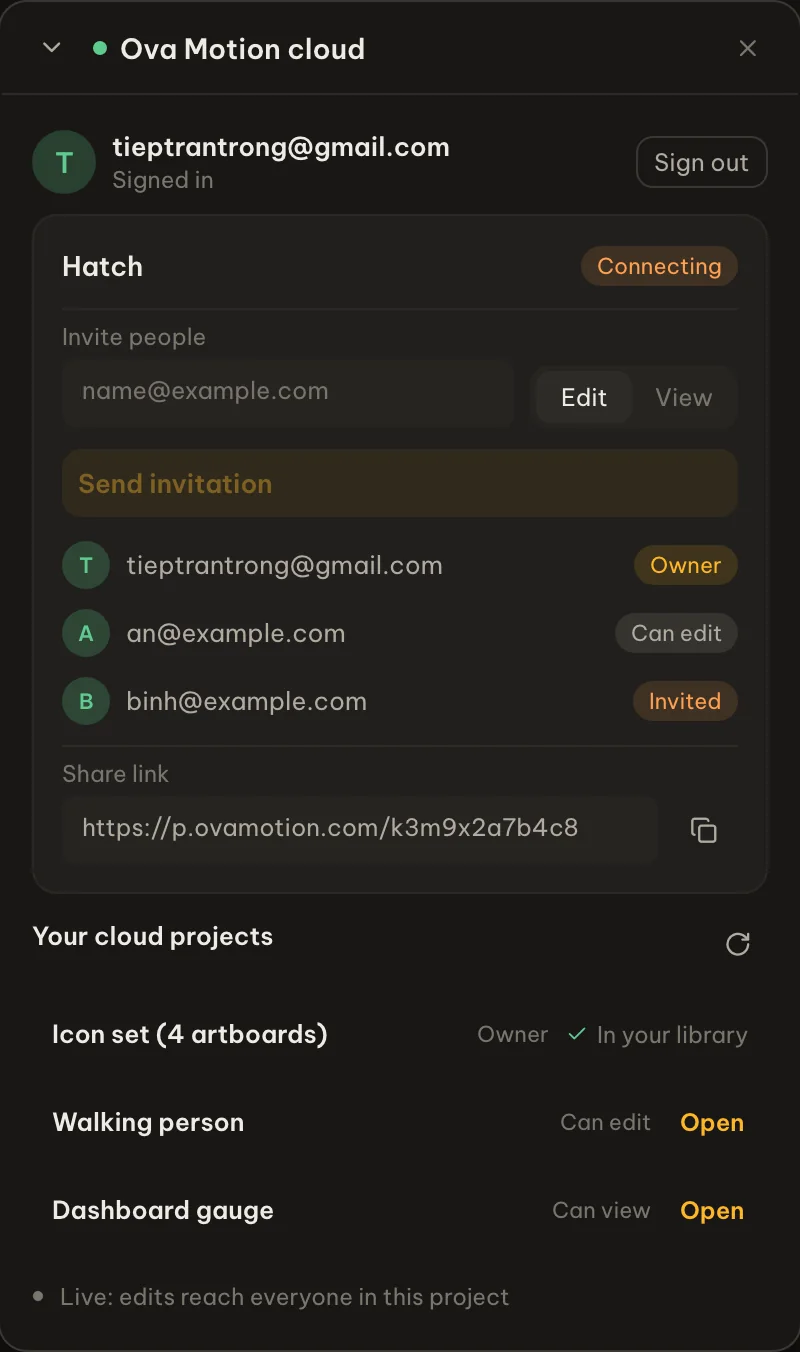
Invite people by email and see their cursors and edits as they make them.
Projects are saved on your device first and sync when you are back online.
Open .riv, SVG and PSD files. Drop in pictures, fonts and sounds.
An MCP server lets Claude, Codex and other agents build and edit scenes.
Export a compact binary and play it with the open-source runtime, from a web page to a game engine. Set state machine inputs and view model values from your code.
import init, * as egg from "./egg_web.js";
import { mount } from "./egg-player.js";

await init();
const res = await fetch("hatch.egg");
const bytes = new Uint8Array(await res.arrayBuffer());
const view = mount(egg, canvas, bytes, { machine: "hatch" });

// drive it from your app
view.player.fire("tap");
Open the editor now. More than twenty samples show how each part works.